Paper Trading Simulator — replay past sessions, fill on realistic spreads
// market replay of real past sessions · spread + slippage + commission fills · 53 indicators + 24 drawing tools · scalper hotkeys · r-multiple journaling · shorting with borrow carry · ssr / luld · free $25k account
A paper trading simulator that practices like the real thing. Replay any recent trading session bar-by-bar, fill every order against a modeled bid/ask spread, real-volume slippage, and commissions, chart with the full 53-indicator toolkit, trade by hotkey, and auto-log every closed trade with its R-multiple. Free $25,000 account, no credit card.
§01 // WHAT_IT_DOES
What it does
Most paper trading teaches bad habits: fills at mid-price, infinite liquidity, no commissions, no slippage, no rules. Tapeboard models the friction that actually decides whether a strategy survives — the spread you pay, the slippage you take on size, the commissions and SEC/TAF fees that quietly eat a high-frequency scalp — and lets you rehearse it on the exact past sessions that matter through market replay. The goal is muscle memory and an honest P&L that transfers to a live account.
§02 // MARKET_REPLAY
Market replay — a time machine for deliberate practice
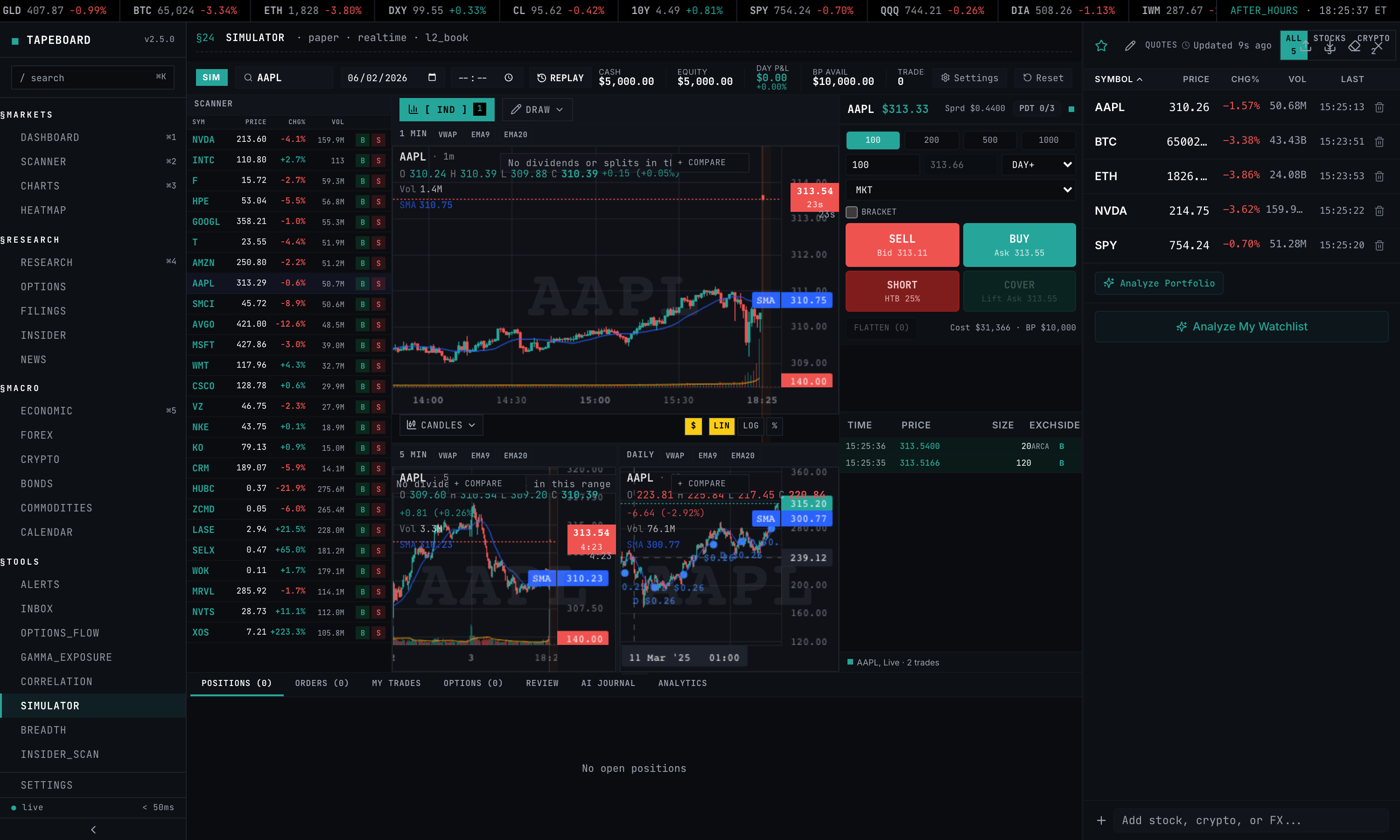
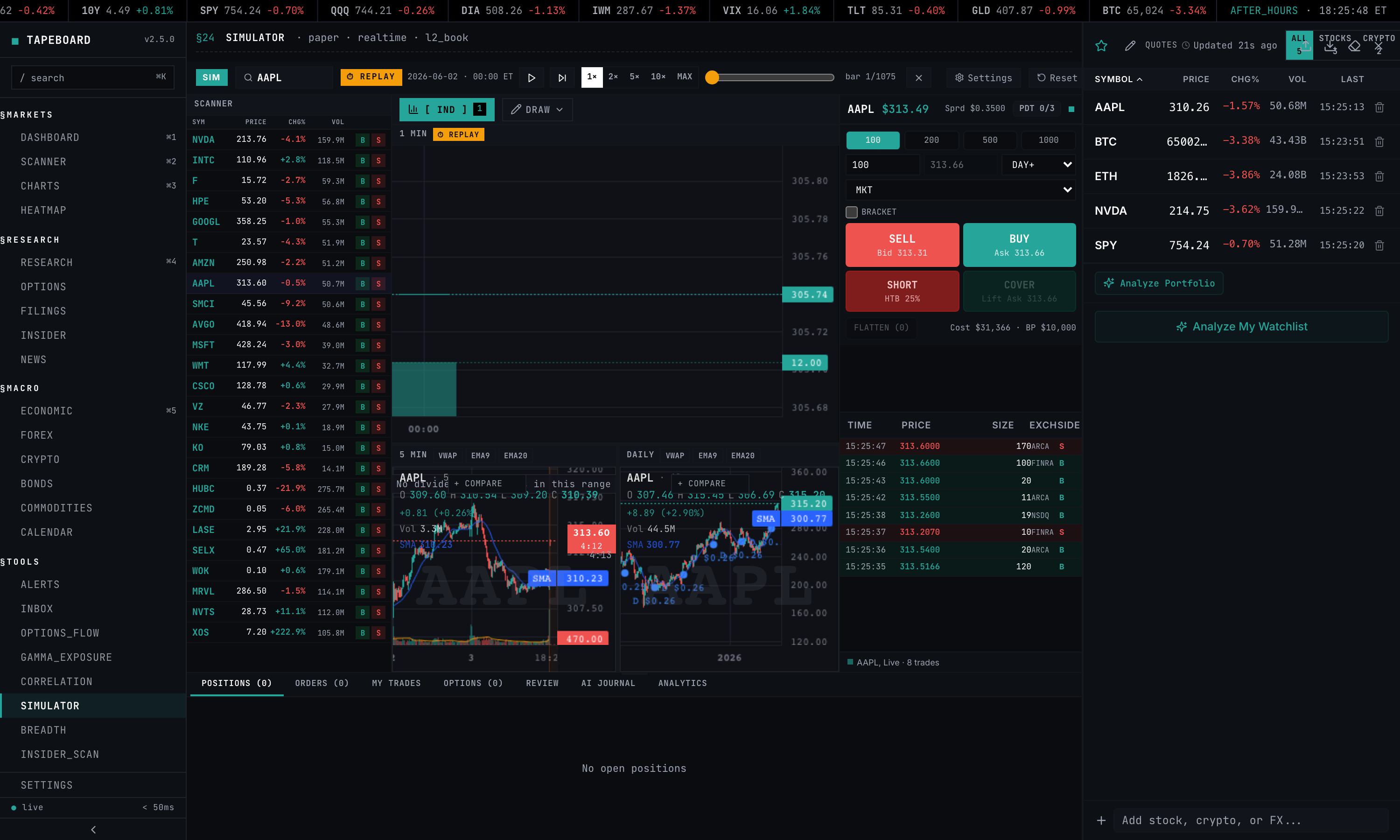
Pick a past trading date and replay it. Play, pause, scrub the seek slider, and set the speed — 1x, 2x, 5x, 10x, or max — while the chart and your fills advance through that day’s real bars and the live feed is suppressed. This is the biggest reason to use Tapeboard over a generic simulator: you can rehearse the specific sessions that punished you — a gap-and-go, a halt, an earnings spike — again and again until the read becomes automatic. Replay v1 runs on 1-minute bars with roughly the last five trading sessions of depth.
§03 // REALISTIC_FILLS
Realistic fills — spread, slippage, and commissions on every order
Every order is filled against a modeled bid/ask spread plus slippage scaled by the symbol’s recent real volume — thin names cost you more, just like live. On top of the fill price, commissions and fees are deducted: configurable per-share or per-trade, with SEC and TAF regulatory fees charged on sells. Stop orders behave honestly too — they slip through gaps and fill at the worse of the trigger price or the next print, so a stop is never a free guarantee.
Spread, slippage, and commission realism are available on every tier, including free. On the Terminal tier, fills upgrade to true Level 2 walk-book execution: larger orders walk the real Schwab L2 ladder for depth, so size-aware fills reflect the actual book rather than a modeled spread.
§04 // CHARTING
Pro charting inside the simulator
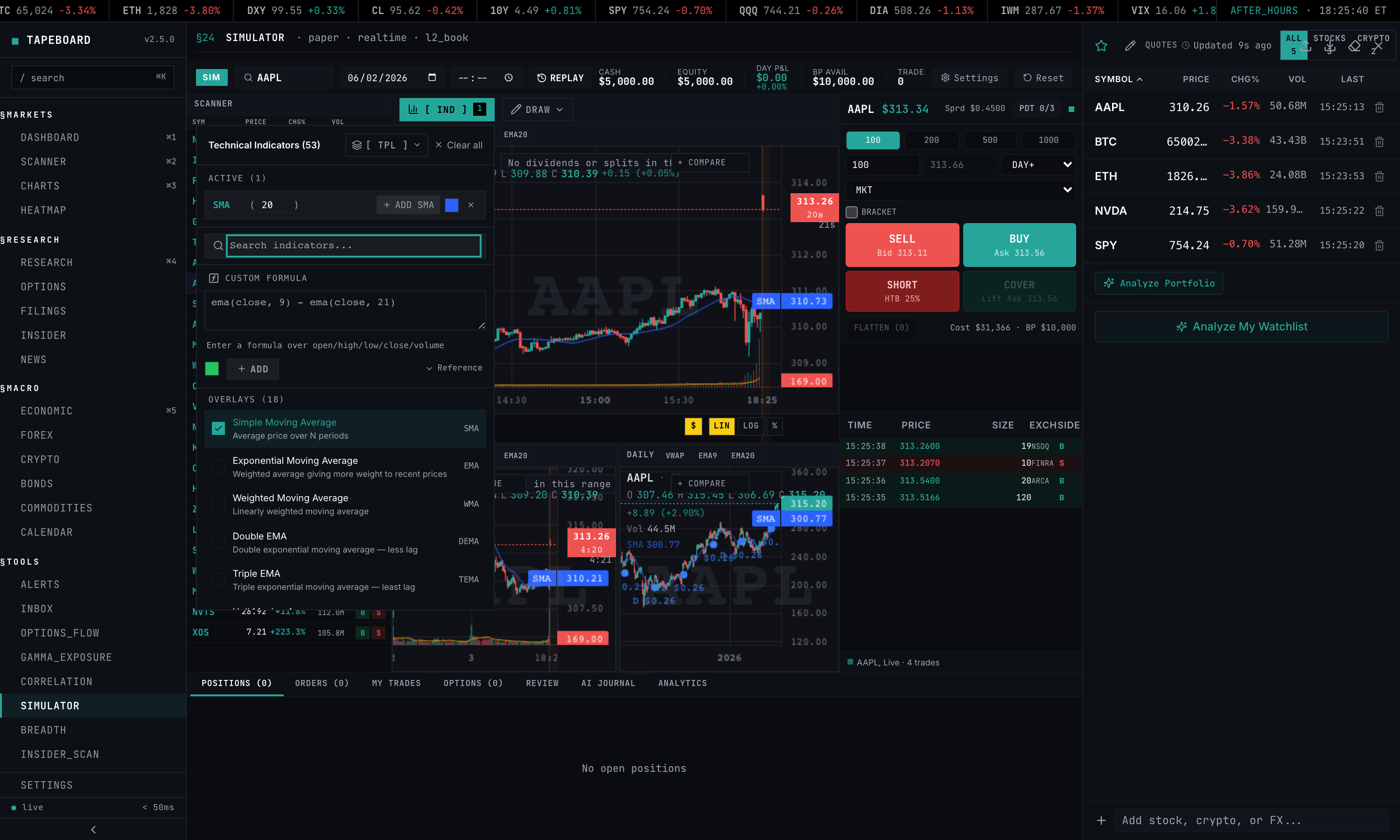
The simulator chart is the same engine as the main Charts page — no downgrade for trading in the sim. All 53 technical indicators are available through a searchable picker (with custom formula support), alongside 24 drawing tools including the Long/Short Position planning tool to map entry, stop, and target before you click the ticket. Analyze and execute on one surface.
§05 // HOTKEYS
Scalper hotkeys for keyboard-speed order entry
When the trade is in the spread you don’t have time to mouse around. The simulator maps order entry to the keyboard so you can trade as fast as you’ll need to live — and the bindings work identically during market replay.
- BBuy
- SSell / short
- CCover
- FFlatten current symbol
- Shift + FFlatten all positions
- EscCancel all orders
- + / -Increase / decrease order size
- [ / ]Scale in / scale out
§06 // JOURNALING
Close a trade — it auto-logs to the journal
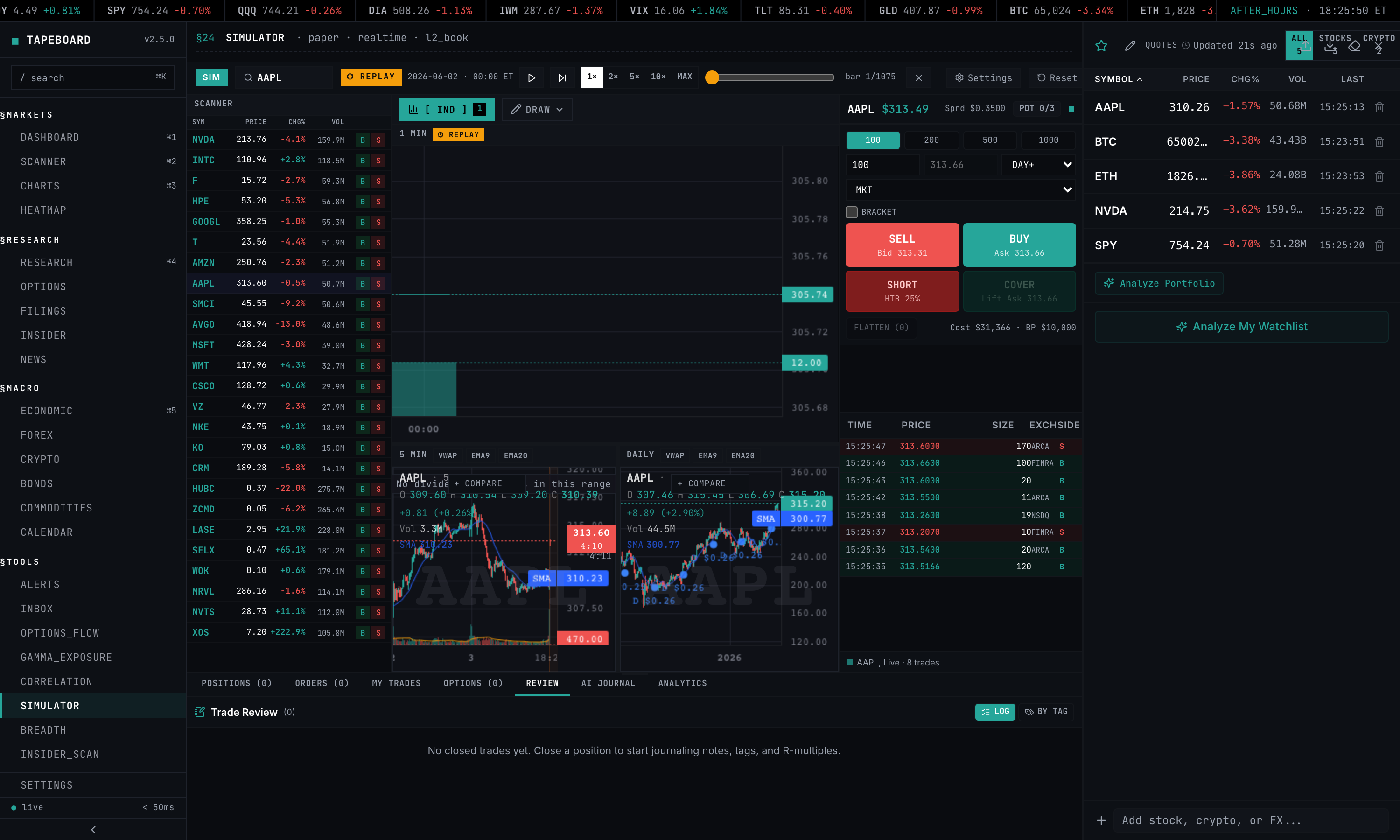
There is no import step between the simulator and the trade journal: the moment you close a position, the trade bridges straight into the journal with its R-multiple, side, size, P&L, duration, and any setup tags already attached. Practice and review live in one app. Add notes and tags (breakout, VWAP reclaim, gap-n-go, and your own), then open the stats-by-setup view — win rate, average R, and net P&L for each setup, plus an R-distribution and your overall expectancy — to find which setups actually pay and which ones you should stop trading.
Once you have 10 closed trades, your record earns a 0–100 Tape Score (A–F) that blends profit factor, R-expectancy, win rate, consistency, and drawdown control. Write your setups as rule-defined Playbooks and the journal checks each tagged trade for adherence and reports per-Playbook performance. And any single trade gets a privacy-safe share link that renders just that trade — entry, exit, R-multiple, chart — without exposing the rest of your account. The free tier journals up to 25 closed trades; Pro is unlimited and adds Playbooks, journal AI, and CSV import; Terminal adds CSV export.
§07 // ORDER_TYPES
Order types, shorting, and buying power
Order types
Market orders are on the free tier. Limit, stop, stop-limit, trailing stop, bracket, and OCO (one-cancels-other) unlock on Pro. Brackets attach a stop-loss and profit-target to your entry and feed the R-multiple automatically; OCO pairs a breakout and breakdown order so a fill on one cancels the other.
Shorting
Short with nightly borrow-rate carry, SSR (Short Sale Restriction) enforced when a stock falls more than 10% intraday, and LULD bands that halt trading server-side. Orders that would violate SSR or LULD are rejected the way a live broker rejects them — so your short P&L includes the days you wish you’d covered overnight.
Buying power
Buying power is enforced coherently on every order: 1x in a cash account, 2x on margin, and 4x for accounts at or above $25,000. The pattern-day-trader (PDT) rule is enforced too — under $25k, your 4th day-trade in a rolling 5 days is blocked, just like a real margin account.
§08 // REALISM_SETTINGS
Realism settings — dial the friction
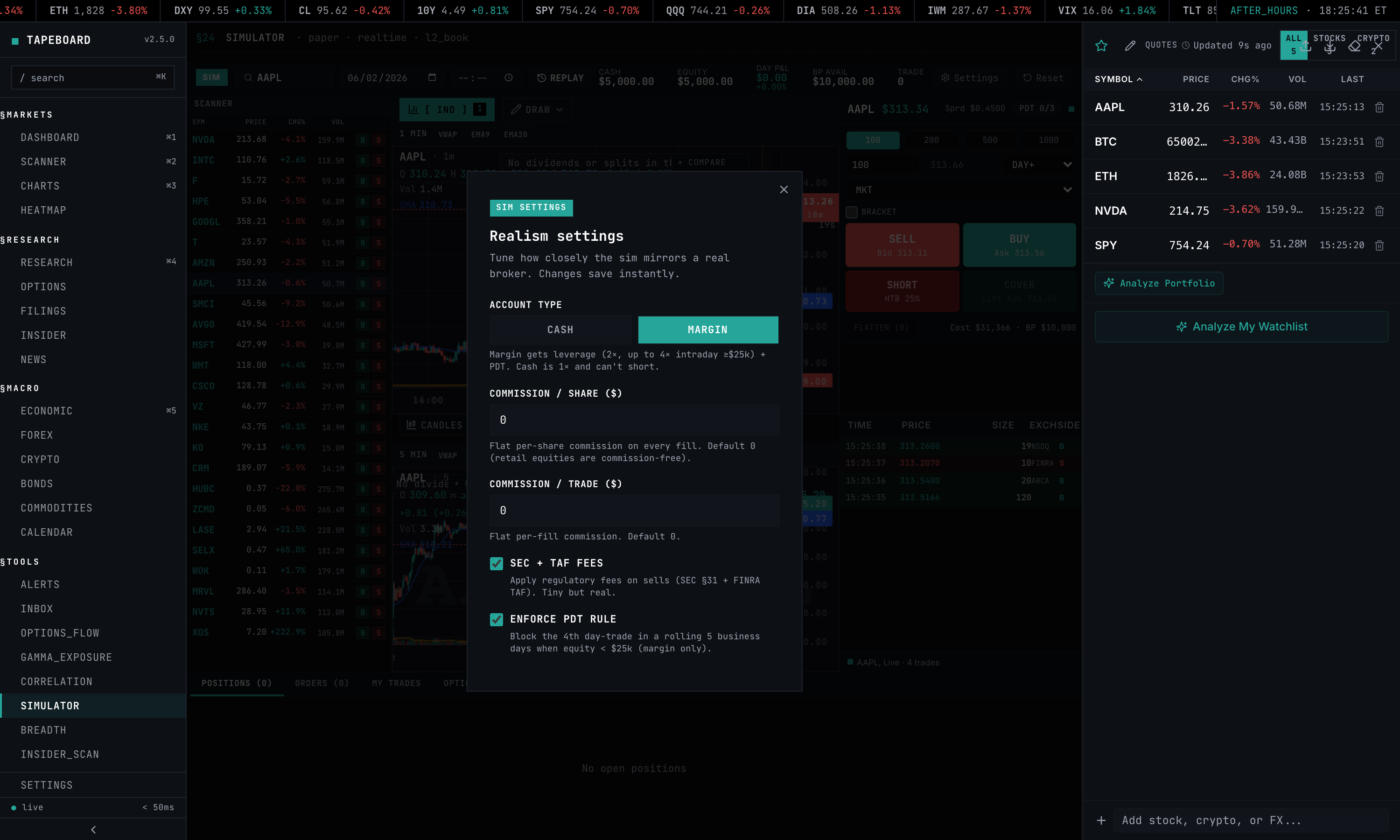
A settings panel lets you tune how punishing the simulator is. Choose account type (cash vs margin), set commission per share or per trade, toggle SEC and TAF fees on sells, and switch the PDT rule on or off. Crank it up to rehearse the exact constraints of your live account, or relax it while you’re learning a new setup.
§09 // COMPARISON
Tapeboard vs TradingView vs Webull vs Thinkorswim
| Tapeboard | TradingView | Webull Paper | Thinkorswim PaperMoney | |
|---|---|---|---|---|
| Market replay (past sessions) | Yes (play/seek/speed) | No | No | No |
| Spread + slippage modeled | Yes (volume-scaled) | No (mid-price) | No (last-trade) | No (theoretical) |
| Commissions modeled | Yes (per-share/trade + SEC/TAF) | No | No | No |
| L2 walk-book fills | Yes (Terminal) | No (mid-price) | No (last-trade) | No (theoretical) |
| Real-time data | Yes (Schwab licensed) | Yes (paid tiers) | Yes | Delayed 15m (real-time on live acct) |
| Drawing tools + 53 indicators in sim | Yes (full toolkit) | Yes (best in class) | Limited | Yes |
| Scalper hotkeys | Yes (B/S/C/F + scale) | Partial | No | Partial |
| R-multiple journaling | Yes (auto + stats-by-setup) | No | No | No |
| Shorting + borrow carry | Yes (nightly carry) | Partial (no carry) | Partial (no carry) | Approximated |
| SSR + LULD enforcement | Yes | No | Partial | No |
| Order types | Market free / limit·stop·bracket·OCO Pro | Most types | Most types | Deepest (options) |
| Persistence on refresh | Yes | Yes | Yes | Yes |
| Price | Free / $39 Pro / $79 Terminal | Free / $14.95+ | Free | Free w/ Schwab acct |
// TradingView’s charting is deeper than ours and probably always will be — it’s their core product. Thinkorswim’s options modeling is the deepest of the four. Tapeboard wins on the things that make practice transfer: market replay of real past sessions, modeled spread/slippage/commission fills, scalper hotkeys, and R-multiple journaling that auto-logs into the same surface. True L2 walk-book fills are on the Terminal tier.
Head-to-head breakdowns: vs TradingView paper trading · vs Webull · vs thinkorswim · vs TradeStation.
§10 // PRICING
Pricing & access
Free (no credit card) — the simulator, a $25,000 paper account, market orders, realistic spread + slippage + commission fills, market replay, full charting (53 indicators + 24 drawing tools), scalper hotkeys, and journaling for up to 25 closed trades.
Pro — $39/mo (or $290/yr, about $24/mo) — custom / full starting balance, all order types (limit, stop, bracket, OCO), unlimited journal history, journal AI, CSV import, Playbooks, and the per-component Tape Score driver breakdown.
Terminal — $79/mo — true Level 2 walk-book fills, live L2 depth and time & sales, and CSV export.
§11 // FAQ
Paper trading simulator FAQ
Is the Tapeboard paper trading simulator free?
Yes. The free tier needs no credit card and includes a $25,000 paper account, market orders, realistic spread + slippage + commission fills, market replay of past sessions, the full charting toolkit (53 indicators and 24 drawing tools), scalper hotkeys, and journaling for up to 25 closed trades. Pro ($39/mo, or $290/yr) adds a custom starting balance, all order types (limit, stop, bracket, OCO), and unlimited journal history. Terminal ($79/mo) adds true Level 2 walk-book fills, live L2 depth and time & sales, and CSV export.
What is market replay in the simulator?
Market replay is a time machine for practice. You pick a past trading date, then play, pause, scrub, and set the speed (1x, 2x, 5x, 10x, or max) while the chart and your fills advance through that day’s real 1-minute bars. The live feed is suppressed during replay, so you can rehearse the exact sessions that matter — a gap-up, a halt, an earnings day — as many times as you want. Replay v1 covers roughly the last five trading sessions of depth.
How realistic are the fills?
Every order is filled against a modeled bid/ask spread plus slippage scaled by the symbol’s recent real volume, and commissions and fees (configurable per-share or per-trade, with SEC and TAF fees on sells) are deducted. Stop orders slip through gaps and fill at the worse of the trigger price or the next print. On the Terminal tier, fills upgrade to true Level 2 walk-book execution, where larger orders walk the real Schwab L2 ladder for depth. Spread, slippage, and commission realism are available on every tier; the true L2 walk-book is Terminal only.
Are commissions and fees modeled?
Yes. The realism settings panel lets you set commission per share or per trade and toggle SEC and TAF regulatory fees, which are charged on sells. This means your simulated P&L reflects the real cost of trading frequency — the thing that quietly kills most scalping strategies on a live account.
Can you short stocks in the paper trading simulator?
Yes. Shorting is supported with nightly borrow-rate carry, SSR (Short Sale Restriction) enforcement when a stock drops more than 10% intraday, and LULD halt enforcement. Buying power is enforced coherently on every order: 1x in a cash account, 2x on margin, and 4x for accounts at or above $25,000.
Does the simulator have keyboard hotkeys for fast trading?
Yes. Scalper hotkeys give you keyboard order entry: B to buy, S to sell or short, C to cover, F to flatten the current symbol, Shift+F to flatten all positions, Esc to cancel all orders, + and - to adjust size, and [ and ] to scale in and out. They work the same way in live simulation and during market replay.
What is R-multiple journaling?
Every closed trade auto-logs with its R-multiple, computed from your initial stop and risk. You can add notes and setup tags (breakout, VWAP reclaim, gap-n-go, and so on), then open a stats-by-setup view that shows win rate, average R, and net P&L per setup, along with an R-distribution and your overall expectancy. The free tier journals up to 25 closed trades; Pro is unlimited; Terminal adds CSV export.
How much virtual money do I get?
The free tier starts you with a $25,000 paper account. Pro lets you set a custom starting balance. Balance, positions, open orders, and resting brackets persist across refresh, logout, and device, so you can hold swing trades over days or weeks.
What is the difference between Tapeboard and TradingView paper trading?
TradingView has the best charting and probably always will. Tapeboard wins on fill realism, market replay, and integrated journaling: TradingView fills at mid-price with no spread, slippage, commissions, SSR, or borrow costs, and has no past-session replay. Tapeboard models all of those and auto-logs every trade with its R-multiple. Use TradingView for chart analysis, Tapeboard for execution practice.
§12 // RELATED
Related pages
Practice the way you’ll actually trade.
Free $25K account, no credit card. Market replay, realistic spread + slippage + commission fills, 53 indicators, hotkeys, and R-multiple journaling.
Start free View pricing